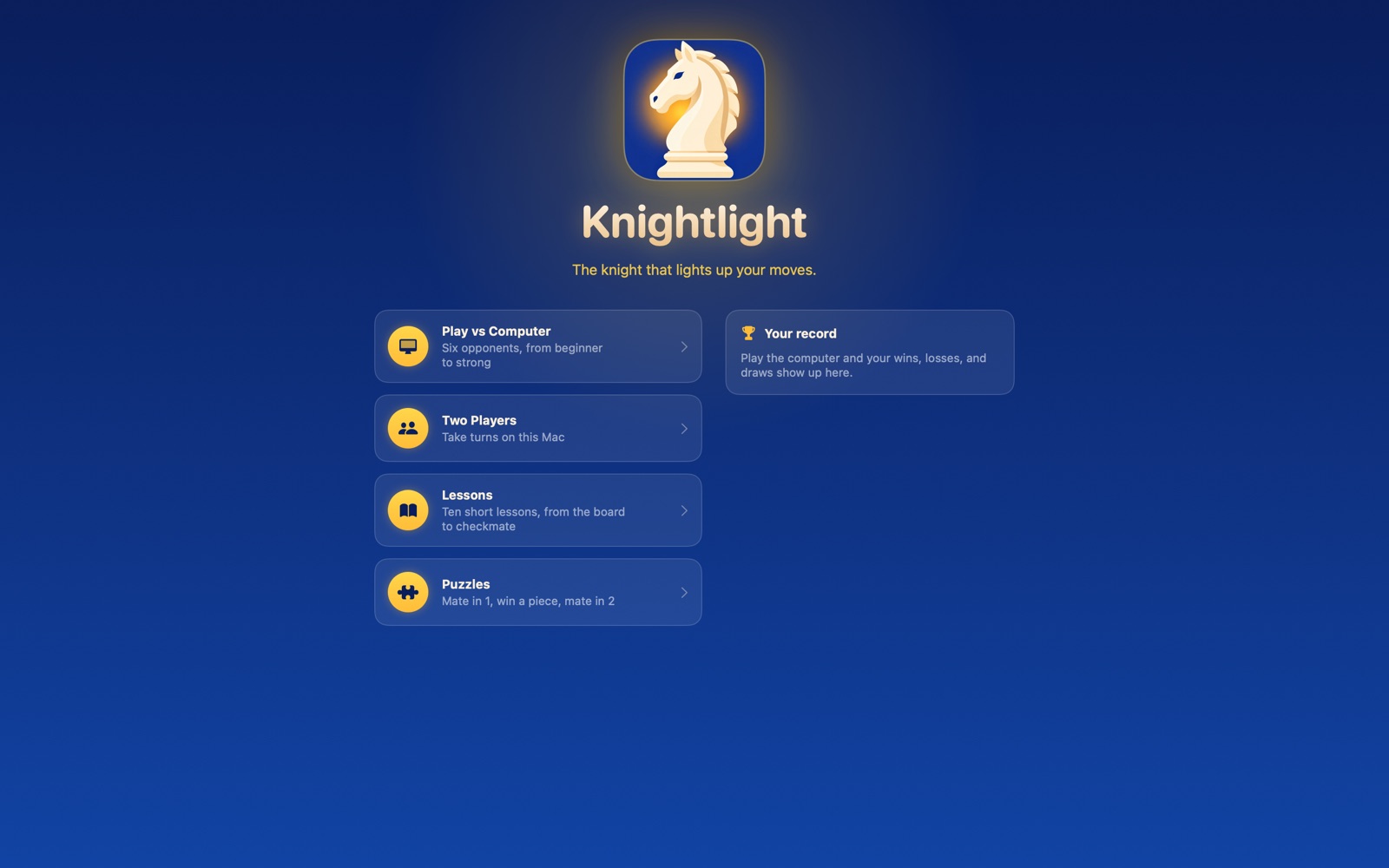
Six opponents
From Pawn, who just learned the moves, up to King, who plays at full strength. Pick the one that fits, and move up as you improve.
 Knightlight
The chess app for beginners on Mac. Play friendly computer opponents, and a built-in coach explains every move in plain words.
For macOS 15 Sequoia or later · Works offline · No account needed
From your very first move to your first checkmate.
From Pawn, who just learned the moves, up to King, who plays at full strength. Pick the one that fits, and move up as you improve.
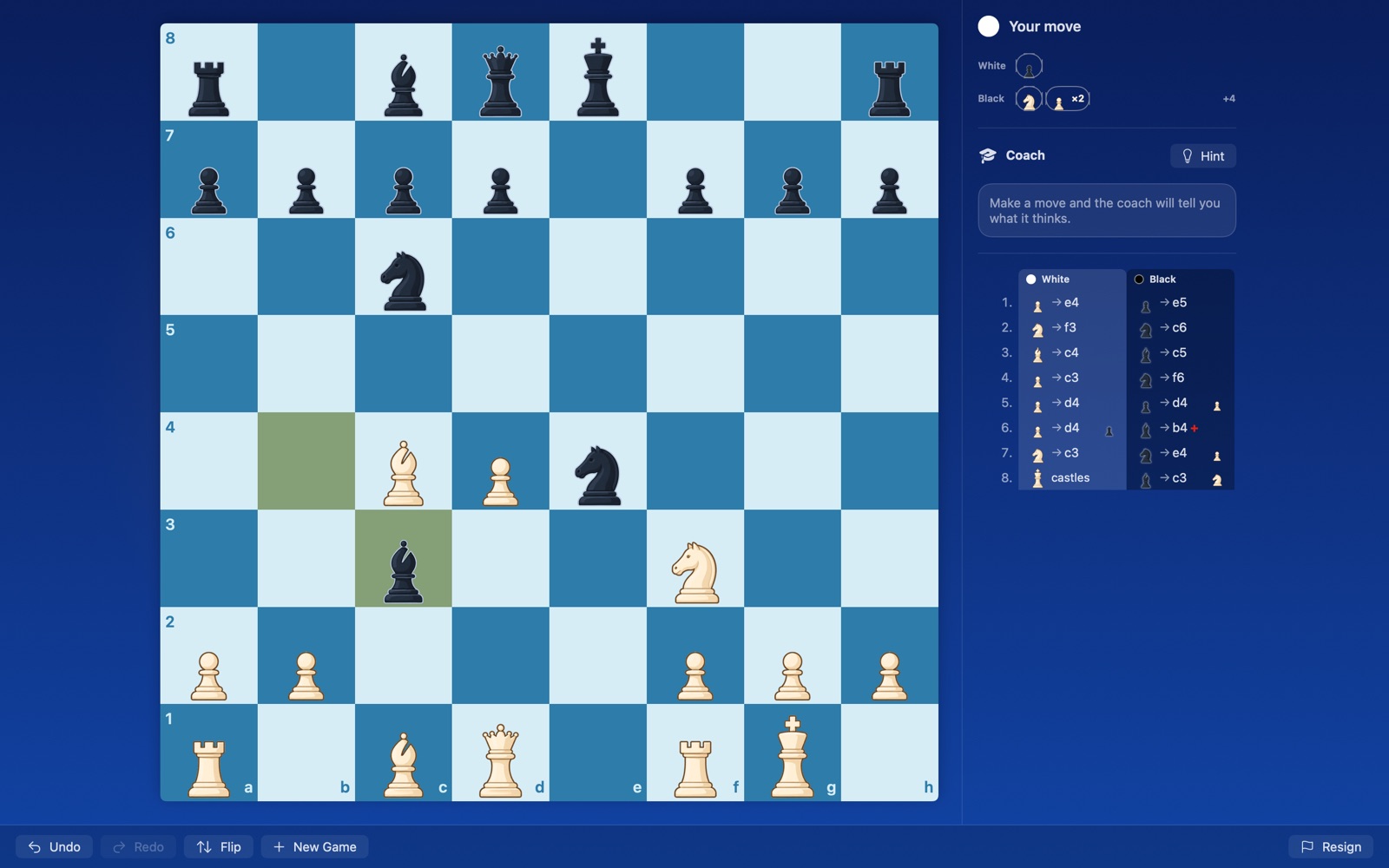
It warns you before you leave a piece hanging, gives hints when you're stuck, and reviews every move you make.
The board, how each piece moves, capturing, check, checkmate, castling, en passant, promotion, stalemate, and your first opening.
Mate in one, win a piece, mate in two. Short, focused practice that builds your eye for tactics.
Classic, walnut, forest, ocean, marble, neon and more, all tuned so the pieces stay easy to see.
No account, no ads, no tracking, no internet needed. Your games and progress stay on your Mac.
Chess notation like Kxd2 can be hard to read at first. Knightlight shows each move as the piece and the square it went to, and says it in words when you point at it: "King takes bishop on d2." When you're ready, switch to real notation in Settings.
Pick up where you left off any time: your game is saved after every move.